

If your eyes feel tired, dry, or achy after a long day staring at your phone, computer, or TV — you're not imagining it, and you're far from alone. Digital eye strain (also called computer vision syndrome) affects an estimated 65% of Americans, making it one of the most common eye complaints today. The good news: it's very manageable once you understand what's causing it.
Digital eye strain is a group of eye and vision problems caused by extended screen use. Unlike reading a printed page, staring at a screen forces your eyes to constantly refocus, adjust to glare, and process high-contrast light at close range for hours at a time. The result? Eyes that feel exhausted, irritated, and strained.
You may be experiencing digital eye strain if you notice:
Symptoms often appear mid-screen session and can linger for hours after you log off.
Reduced blinking. Normally we blink 15–20 times per minute. When focused on a screen, that drops to as few as 5 times per minute — leaving eyes dry and under-lubricated.
Screen glare and blue light. Blue light scatters more than other wavelengths, making it harder for your eyes to focus. Glare from overhead lighting reflecting off your screen makes it worse.
Poor screen positioning. Most people sit too close to their screens or have them at the wrong height, forcing awkward, sustained eye and neck positions.
Uncorrected vision problems. Even a mild prescription issue — slight nearsightedness, farsightedness, or astigmatism — becomes much more apparent after hours of screen use. Many people first discover they need glasses because of screen-related fatigue.
The most effective and widely recommended fix is simple: every 20 minutes, look at something 20 feet away for at least 20 seconds. This gives your eye muscles a chance to fully relax and reset. Set a timer or tie it to an existing habit like getting up for water. It sounds too easy, but it works.
Adjust your screen settings. Increase text size, lower brightness to match your room's ambient light, and enable Night Mode or a warm color filter — especially in the evening.
Position your screen correctly. Your screen should be roughly arm's length away (20–28 inches) and slightly below eye level. This reduces how wide your eyes stay open, which slows tear evaporation.
Use artificial tears. Over-the-counter lubricating drops can relieve dryness throughout the day. Avoid "get the red out" drops — these can actually worsen dryness with regular use.
Fix your lighting. Avoid placing your screen directly in front of or behind a window. Soft, indirect lighting is much easier on the eyes than harsh overhead fluorescents.
Ask about computer glasses. Anti-reflective coatings, blue light filters, or a dedicated pair of glasses calibrated for screen distance can make a significant difference for heavy screen users. Your screen distance prescription is slightly different from your distance or reading prescription, and many patients are surprised how much more comfortable the right lenses make their day.
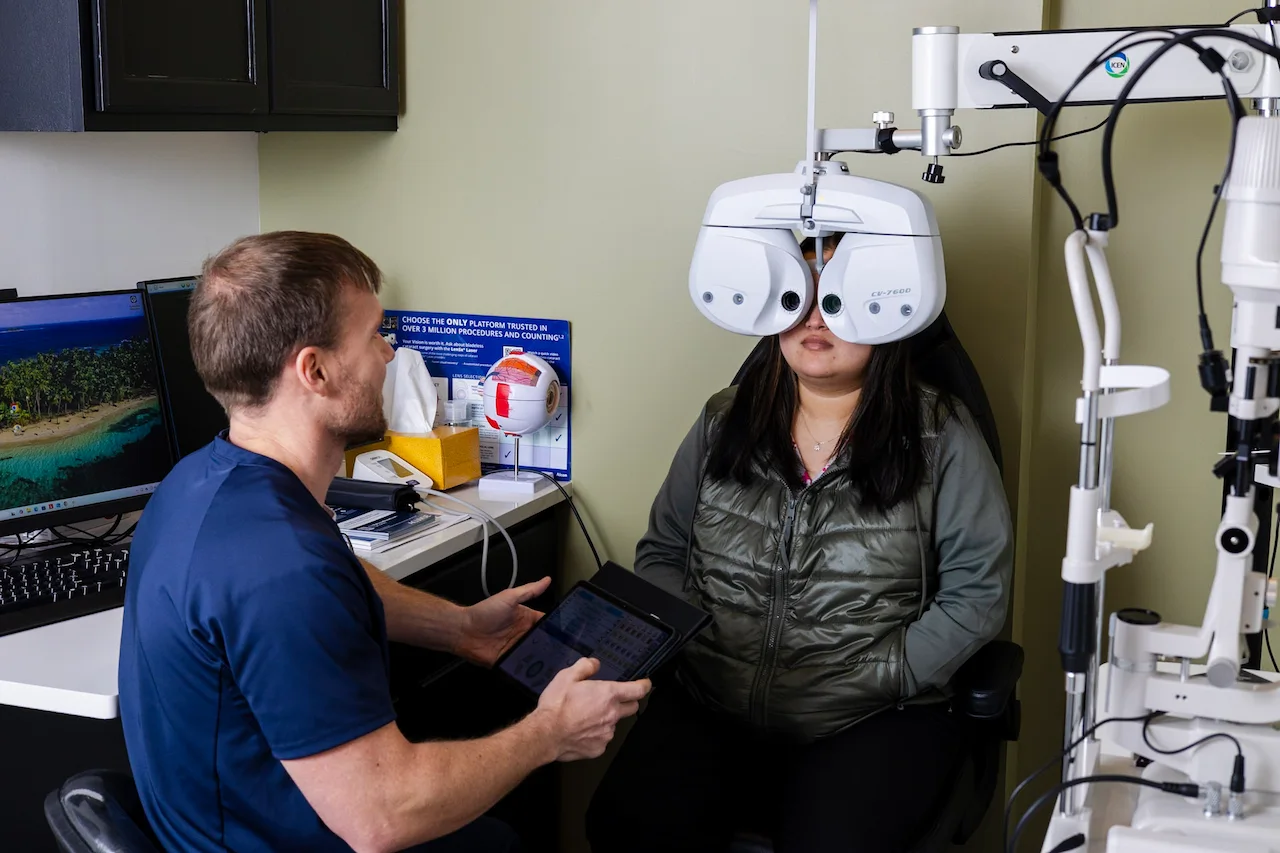
If adjusting your habits isn't providing relief — or if blurry vision, double vision, or persistent headaches are becoming a regular occurrence — it's time for a comprehensive eye exam. These symptoms can signal an underlying vision problem that screen use is simply bringing to the surface.
At Elite Eyecare in Nashville, we evaluate not just how clearly you see, but how comfortably and efficiently your eyes work together during the kind of near and intermediate tasks that screen use demands all day. Dr. Lipe can also recommend the best lens options to keep your eyes comfortable whether you're at a standing desk, working from home, or scrolling before bed.
Digital eye strain is one of the most common complaints we hear — and one of the most fixable. Small changes to your habits and workspace, combined with the right eyewear prescription, can dramatically change how your eyes feel by the end of the day.
If your eyes have been bothering you, schedule an appointment with Dr. Lipe at Elite Eyecare in Nashville. We're here to help you see clearly and comfortably — on screens and off.


